
Not Sure How Safe Your Family Tech Setup Is? This Free Quiz Will Tell You
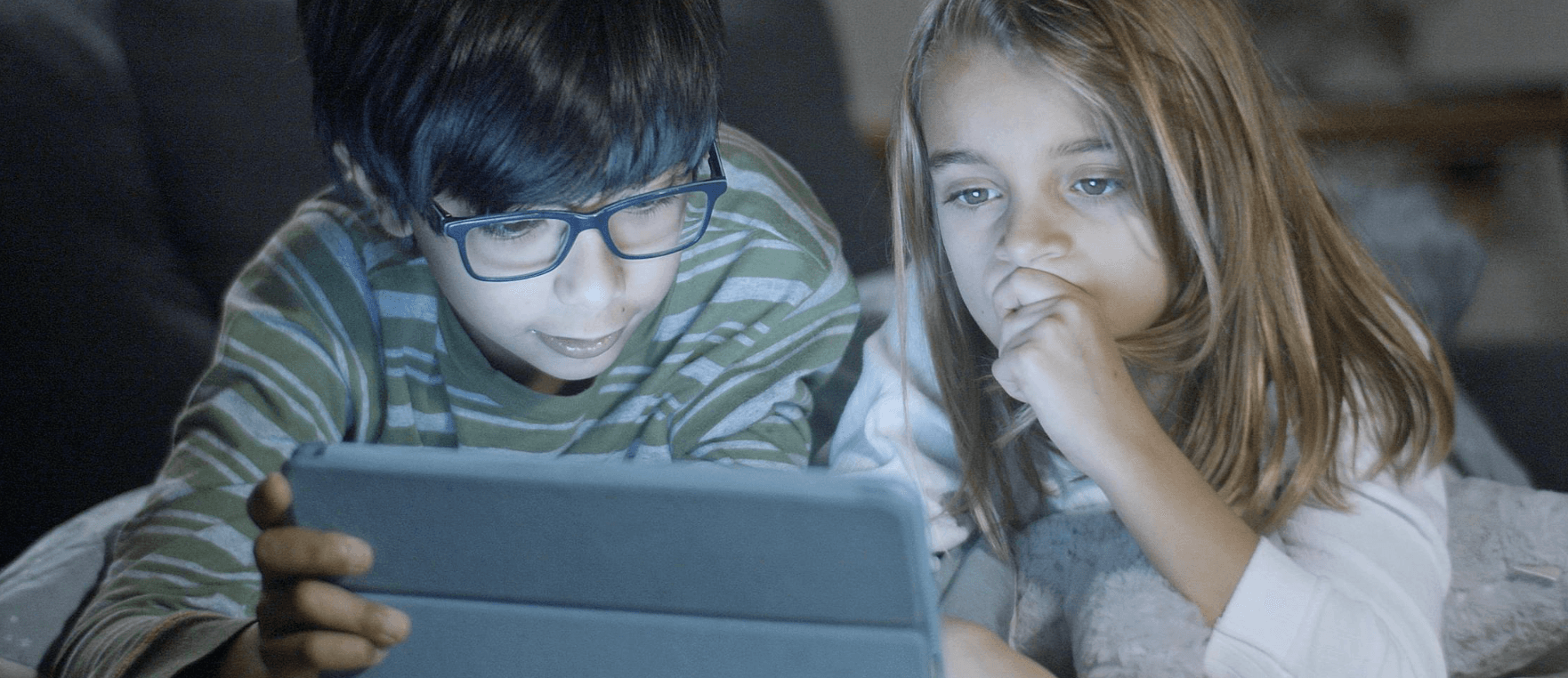
If you are a parent, you have probably heard it too. At the school drop off, walking home, or chatting at the park, it comes up again and again. "X was horrible to Y on WhatsApp", or "there was drama in the group chat". It is happening younger and younger.
When I talk with other parents about phones, social apps, and gaming, the answer is usually the same. "They need it for safety" or "it is just how the world is now". And I get it. None of us want to feel like the odd one out. None of us want our children to feel left out. But we also do not want our kids bullied in a group chat, staying up late scrolling, or worse — being exposed to strangers online.
That is why I built something simple: a quick, free, no-login Family Digital Safety Check. It is not a lecture, it is not a judgement tool, it is just a conversation starter. A way for parents to quickly check where they stand on digital safety and maybe compare scores with other parents like "Sandra, what score did you get?"
Why Parents Feel Trapped by Tech
Most parents did not grow up with smartphones. We are learning this stuff as we go. And it is complicated. Apps like WhatsApp are pitched as a safety tool — "they can message you if something happens". But no one tells you about disappearing messages, random group invites, or unfiltered content being shared after school.
Big tech companies have made it incredibly easy for children to sign up, but incredibly hard for parents to understand what is actually happening on those platforms. That is why so many parents feel stuck in a loop of "everyone has one now" without really knowing how to set healthy guardrails.
Why a Quick Safety Check Actually Helps
This quiz is not a high level audit. It is a simple tool designed to give parents a gentle nudge. A starting point to think about things like:
- Have I enabled time limits and content filters on their devices?
- Have I checked the default privacy settings on apps like YouTube or TikTok?
- Do I have screen time rules or device-free zones at home?
- Do I know which AI tools my child is using — and how?
It focuses on quick wins — actions that have a big impact on your child's digital safety without turning your home into a tech-free zone. It takes around five minutes to complete, it does not collect any personal data, and you get a score plus clear next steps.
How It Works
The Family Digital Safety Check is broken into four areas:
- Device Settings: Passcodes, parental controls, content filters
- Home and Habits: Device-free spaces, screen time rules, group chat awareness
- App Settings: Privacy settings on WhatsApp, Roblox, YouTube, TikTok and gaming consoles
- AI and Chatbots: ChatGPT supervision, Meta AI, Character.AI, deepfake literacy
You simply tick off what you have in place. The highest impact tasks are at the top, so you can quickly spot what will make the biggest difference. At the end, you get a score and practical next steps tailored to what you have and have not covered.
Why We Added an AI Section
When I first built this quiz, the risks most parents worried about were straightforward: group chats, screen time, privacy settings. Those things still matter. But something shifted in the past year that most safety checklists have not caught up with yet.
AI chatbots are now part of everyday life for children. Around three quarters of teenagers have used one. Most parents have no idea. ChatGPT, Google Gemini, Snapchat My AI, Character.AI — these are not niche tools. They are on the same devices as WhatsApp and YouTube, and many children use them daily without an account, through a browser, with no parental controls applied at all.
The risks are different from social media. There is no follower count or public post. The concern is more subtle — AI systems designed to be responsive, helpful, and engaging enough that children can form genuine attachments to them. We saw this first-hand at Stamplo. Early in the platform's development, we built a restricted AI feature to help children find conversation while waiting to be matched with a real pen pal. Parents began messaging to tell us their child had enjoyed talking to it. We removed it. Not because of a safety incident, but because a child forming an attachment to a language model felt fundamentally at odds with what Stamplo is for.
The AI section of the quiz covers awareness, supervision, platform-specific controls, and the media literacy skills children need to navigate a world where images, voices, and videos can all be fabricated. It is the section most parents tell us they had never thought about before.
It is Not About Perfection
The goal is not to make you feel bad about missed settings. It is to help you feel more confident in your digital setup. You can retake the quiz after making a few changes, or share it in your parent WhatsApp groups and see how others score.
Sometimes just starting the conversation with other parents can lead to change. I have already had chats where people went home and turned off disappearing messages, or checked Roblox chat filters, just because it was front of mind.
Take the Quiz Free
If you want to see how your family is doing, take the quiz here. It is free, takes around five minutes, and might just give you that little nudge to tighten up a few things.
Because your child's safety online should come with guidance, not guesswork.
Ready to see your family's digital safety score?
Quick, free and no sign-up required. Take the quiz and see where you stand in just five minutes.
Take the Free Quiz